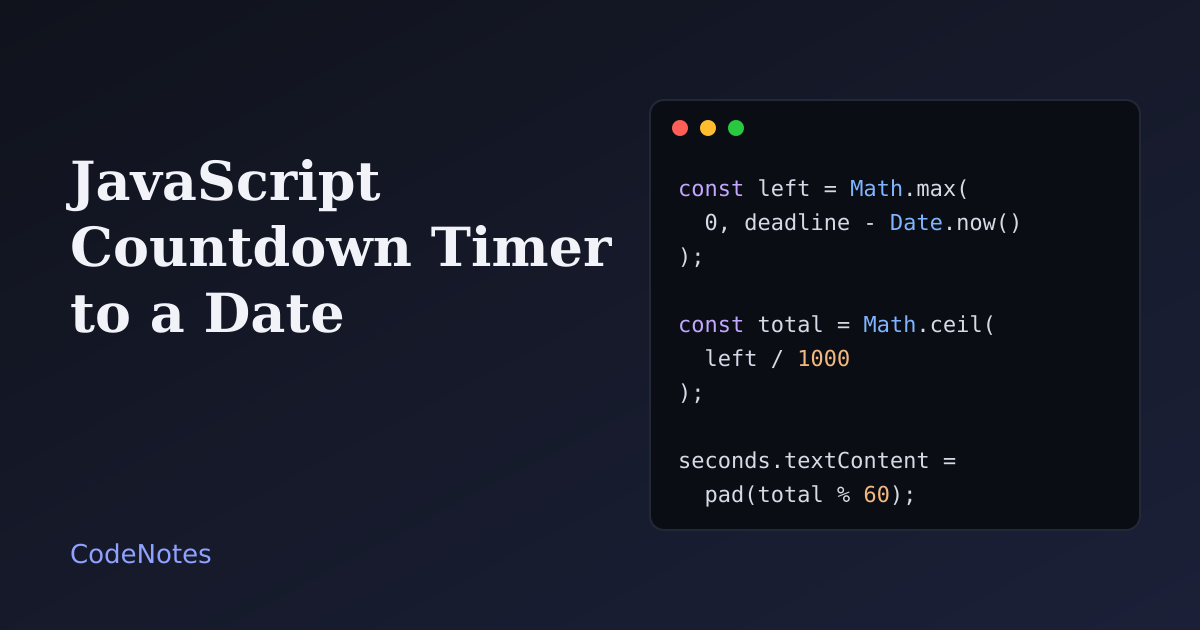
A JavaScript countdown timer shows how long is left until a date, such as a sale ending or an event starting. The code is short, but the usual version has three bugs: it drifts away from the real time, it depends on the visitor's time zone, and it makes a screen reader read out every second.
This tutorial builds one that avoids all three. It works out the time left from the clock on every tick, reads a date that means the same moment everywhere, and speaks only when something important changes.
What you will build#
A "Winter sale" countdown with boxes for days, hours, minutes and seconds. When it reaches zero, the label changes to "This sale has ended." The demo starts a two-minute countdown so you can watch it finish, and the Restart button runs it again.
The frame is small, so open the demo in its own tab to try it at full size.
The markup#
<!-- In the <head>: <link rel="stylesheet" href="/style.css"> -->
<h1>Winter sale</h1>
<p class="label" id="label">Ends in</p>

<time class="countdown" id="countdown" role="timer"
      datetime="2026-12-31T23:59:59+07:00" data-deadline="2026-12-31T23:59:59+07:00">
  <span class="unit"><span class="num" id="days">00</span><span class="cap">days</span></span>
  <span class="unit"><span class="num" id="hours">00</span><span class="cap">hours</span></span>
  <span class="unit"><span class="num" id="minutes">00</span><span class="cap">minutes</span></span>
  <span class="unit"><span class="num" id="seconds">00</span><span class="cap">seconds</span></span>
</time>

<p class="visually-hidden" id="announce" role="status"></p>

<script src="/script.js" defer></script>
The deadline is written once, in a time element, as an ISO 8601 date with an offset: 2026-12-31T23:59:59+07:00. That ending, +07:00, matters more than anything else in this tutorial, and the next section explains why. The script reads the same value from data-deadline.
role="timer" tells assistive technology that the element holds a running clock. A timer is not announced automatically, which is what you want here. The separate role="status" paragraph is for the few messages that should be spoken.
The JavaScript#
const root = document.querySelector("#countdown");
const label = document.querySelector("#label");
const announce = document.querySelector("#announce");
const parts = {
  days: document.querySelector("#days"),
  hours: document.querySelector("#hours"),
  minutes: document.querySelector("#minutes"),
  seconds: document.querySelector("#seconds"),
};

// An ISO 8601 date WITH an offset (+07:00) or Z. It is the same moment for every visitor.
let deadline = Date.parse(root.dataset.deadline);
let timer = null;
let warned = false;

const pad = (n) => String(n).padStart(2, "0");

function render() {
  // Always work out what is left from the clock. Never count down a stored number.
  const left = Math.max(0, deadline - Date.now());
  const total = Math.ceil(left / 1000); // whole seconds left

  parts.days.textContent = pad(Math.floor(total / 86400));
  parts.hours.textContent = pad(Math.floor((total % 86400) / 3600));
  parts.minutes.textContent = pad(Math.floor((total % 3600) / 60));
  parts.seconds.textContent = pad(total % 60);

  // One quiet message for screen readers, not one per second.
  if (total > 0 && total <= 60 && !warned) {
    warned = true;
    announce.textContent = "Less than one minute left.";
  }
  if (total === 0) finish();
}

function finish() {
  clearInterval(timer);
  label.textContent = "This sale has ended.";
  announce.textContent = "This sale has ended.";
}

function start() {
  clearInterval(timer);
  warned = false;
  announce.textContent = "";

  if (Number.isNaN(deadline)) {
    label.textContent = "Date unavailable.";
    return;
  }

  label.textContent = "Ends in";
  render();
  if (deadline > Date.now()) timer = setInterval(render, 1000);
}

// Timers are slowed down in background tabs, so catch up the moment the tab is visible again.
document.addEventListener("visibilitychange", () => {
  if (!document.hidden && deadline > Date.now()) render();
});

start();
The most important line is the first one in render. It never subtracts from a stored number. It asks the clock how much time is left, every time. A timer that does seconds -= 1 on each tick drifts, because browsers run timers late, and a tab in the background runs them very late. A timer that recomputes from Date.now() is always correct, and a late tick only means a late redraw.
Math.max(0, ...) stops the numbers going negative after the deadline. Math.ceil turns the milliseconds into whole seconds, so the display shows 01 until the last moment and reaches 00 exactly when the date passes.
The message "Less than one minute left." is written once, using the warned flag. The final message is written once, in finish. Everything in between is silent for screen readers.
start checks Number.isNaN(deadline). If someone mistypes the date, Date.parse returns NaN, and without the check the page would show "NaN" in every box. It also deals with a deadline that is already in the past, because render finishes immediately.
The visibilitychange listener catches the tab coming back to the foreground. Browsers slow timers in background tabs, so without it the visitor could see old numbers for a second after switching back.
The demo has a few extra lines at the bottom, marked "Demo only", that set a deadline two minutes from now and wire up the Restart button. A real page keeps its fixed date in the HTML and does not need them.
Why the offset in the date matters#
Compare three ways of writing the same deadline and see how Date.parse reads them in three time zones:
| String | Jakarta | London (winter) | New York (winter) |
|---|---|---|---|
2026-12-31T23:59:59+07:00 |
the same moment | the same moment | the same moment |
2026-12-31T23:59:59 |
23:59:59 in Jakarta | 7 hours later | 12 hours later |
2026-12-31 |
07:00 on 31 December | 00:00 on 31 December | 19:00 on 30 December |
A date and time without an offset is read as the visitor's local time, so the countdown ends at a different moment for each visitor. A date with no time is read as midnight UTC, which for a sale means it ends at the start of the last day, not the end. Only the first form is the same instant for everyone. Write the offset of your own time zone, or use Z for UTC.
The CSS that matters#
.countdown {
  display: grid;
  grid-template-columns: repeat(4, 1fr);
  gap: 0.6rem;
}

.num {
  font-size: clamp(1.6rem, 8vw, 2.4rem);
  font-weight: 700;
  font-variant-numeric: tabular-nums;
}
tabular-nums gives every digit the same width. Without it, a 1 is narrower than an 8, so the boxes shift a little every second. The grid keeps four equal columns, and clamp() scales the digits down on small screens so they never overflow.
Common problems and how to fix them#
The timer is slow or jumps after a while#
The code subtracts from a counter instead of reading the clock. Replace it with the version above, where each tick works out deadline - Date.now().
The countdown ends at the wrong time for some visitors#
The deadline string has no offset. Add +07:00 or Z, as in the table.
Screen readers keep reading the numbers#
aria-live was put on the countdown itself, so each second is announced. Use role="timer" for the clock and a separate status element for the two real messages. The toast notifications tutorial explains why that status element has to be in the HTML before its text changes. The idea of speaking only when the state changes is the same one used in the textarea character counter.
The numbers shake from side to side#
Add font-variant-numeric: tabular-nums to the digits.
The visitor's clock is wrong#
Date.now() reads the clock of the visitor's device, and some devices are minutes or hours off. A countdown in the browser is only a display. The real deadline must be enforced on the server, and a late order must be refused there, whatever the page shows. If you want the display to match the server, ask your own site for the time:
async function serverOffset() {
  const res = await fetch("/", { method: "HEAD", cache: "no-store" });
  return new Date(res.headers.get("Date")).getTime() - Date.now();
}
Then use Date.now() + offset in render. Check that your host sends a fresh Date header, because a cached response can carry an old one. An error of a second or two is fine for this purpose.
The timer restarts for every visitor#
That is a fake deadline, and it is worth saying plainly: a countdown that resets on each visit, or on each reload, tells people something false. In many countries that counts as an unfair commercial practice, and it destroys trust the moment someone notices. Use a countdown only for a deadline that is real and fixed.
Where to use it#
A countdown works for a launch, a registration deadline or a sale with a true end date. For a sale, put it where the offer is: on the cards of a responsive product card grid, each with its own date if the dates differ. If there is no real deadline, show no timer.