Live Search Filter for a List with Vanilla JavaScript
Filter a list as you type with plain JavaScript. Covers accent-insensitive matching, empty states, screen reader updates and when you actually need debounce.
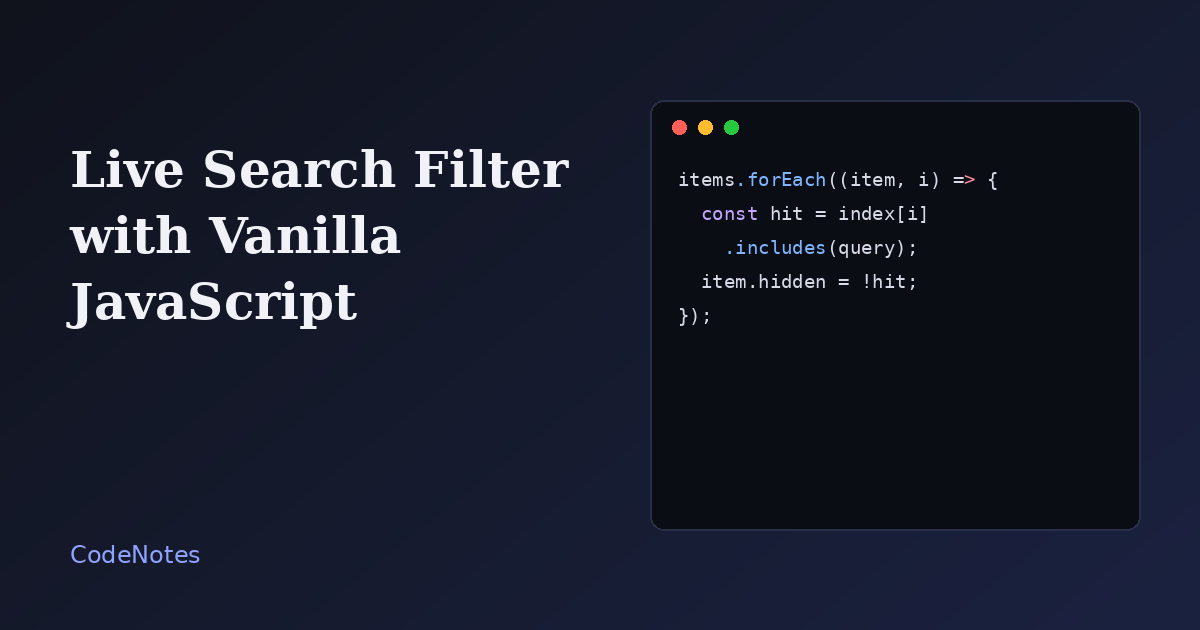
A search box that filters a list as you type is one of those features that looks like it needs a library and does not. Twenty lines of JavaScript cover it, and the interesting part is not the filtering. It is the small decisions around it: accents, empty results, and what a screen reader hears.
What you will build
A list of twelve HTML elements with a search field above it. Type "form" or "table" and the list narrows. A counter shows how many items match, and a message appears when nothing does.
The frame is small, so open the demo in its own tab to try it at full size.
The markup
<!-- In the <head>: <link rel="stylesheet" href="/style.css"> -->
<main class="page">
<h1>HTML elements</h1>
<label class="label" for="q">Filter the list</label>
<input class="search" id="q" type="search" placeholder="Try "form" or "table"" autocomplete="off">
<p class="count" id="count" aria-live="polite"></p>
<ul class="list" id="list">
<li><strong>article</strong><span>Self-contained content such as a post or a card.</span></li>
<li><strong>aside</strong><span>Side content related to the main text.</span></li>
<li><strong>button</strong><span>A control the user can press.</span></li>
<li><strong>details</strong><span>A disclosure widget that opens and closes.</span></li>
<li><strong>dialog</strong><span>A modal or non-modal dialog box.</span></li>
<li><strong>figure</strong><span>An image or diagram with a caption.</span></li>
<li><strong>footer</strong><span>Closing content for a page or section.</span></li>
<li><strong>form</strong><span>A group of controls that submits data.</span></li>
<li><strong>header</strong><span>Introductory content for a page or section.</span></li>
<li><strong>nav</strong><span>A block of navigation links.</span></li>
<li><strong>table</strong><span>Data arranged in rows and columns.</span></li>
<li><strong>time</strong><span>A date or time that machines can read.</span></li>
</ul>
<p class="empty" id="empty" hidden>No element matches that search.</p>
</main>
<script src="/script.js" defer></script>
The input has a visible label, which beats a placeholder as the only description, since placeholders vanish while you type. The counter has aria-live="polite", so a screen reader announces "3 of 12 shown" after the visitor pauses, without interrupting what they are typing.
The JavaScript
const input = document.querySelector("#q");
const items = [...document.querySelectorAll("#list li")];
const count = document.querySelector("#count");
const empty = document.querySelector("#empty");

// Lowercase and strip accents so "cafe" also finds "café".
function normalize(text) {
  return text
    .toLowerCase()
    .normalize("NFD")
    .replace(/[\u0300-\u036f]/g, "");
}

// Build the searchable text once, not on every keystroke.
const index = items.map((item) => normalize(item.textContent));

function filter() {
  const query = normalize(input.value.trim());
  let visible = 0;

  items.forEach((item, i) => {
    const match = index[i].includes(query);
    item.hidden = !match;
    if (match) visible += 1;
  });

  count.textContent = `${visible} of ${items.length} shown`;
  empty.hidden = visible !== 0;
}

input.addEventListener("input", filter);
filter();
Three choices keep it fast and forgiving.
First, the searchable text is built once, into the index array, instead of being recomputed from the DOM on every keystroke. Second, the text is normalized: lowercased, with accents stripped through normalize("NFD"). A search for "cafe" finds "café", and a search for "Zoe" finds "Zoë". Third, items are hidden with the hidden attribute, not by removing them from the DOM, so their order and any event listeners stay intact.
An empty query matches every item, because "anything".includes("") is true. That gives you the full list again when the field is cleared, with no special case.
The CSS that matters
The layout styles are cosmetic. One rule is not:
[hidden] {
  display: none !important;
}
It is explained below, and it is the reason most "my filter does nothing" bugs happen.
Common problems and how to fix them
The items do not disappear even though hidden is set
The hidden attribute is only a default style. Any rule that sets display on the same element, such as display: flex on the list items in this demo, overrides it. The [hidden] rule above restores the intended behavior, and it is worth keeping in every project's base stylesheet.
Accented or mixed-case text is not found
Comparing raw strings is case and accent sensitive. Normalize both the index and the query with the same function, as the demo does, and the problem goes away.
Typing lags on a long list
For a few hundred items you will not notice anything. With thousands, filtering on every keystroke can stutter. Wait until the visitor pauses by wrapping the handler in a debounce:
function debounce(fn, delay = 150) {
  let timer;
  return (...args) => {
    clearTimeout(timer);
    timer = setTimeout(() => fn(...args), delay);
  };
}

input.addEventListener("input", debounce(filter, 150));
At that scale it is also worth asking whether the page should render so many items at once.
Screen reader users hear nothing when results change
Changing the list silently gives them no feedback. The aria-live counter is the fix: the announcement is short, and it does not steal focus from the input.
The empty message flashes on page load
Call filter() once when the script starts, as the last line does, so the counter and the message match the real state from the first paint.
When client-side filtering is not enough
This pattern works when every item is already on the page. If the data lives on a server, or the list is too large to ship in one go, send the query to a search endpoint instead and render the results it returns. The input, the label and the live counter stay exactly the same.