A Modal Dialog with the HTML dialog Element and a Few Lines of JavaScript
Build an accessible modal with the native dialog element: focus handling, Escape key and backdrop click included. Source code, live demo and common fixes.
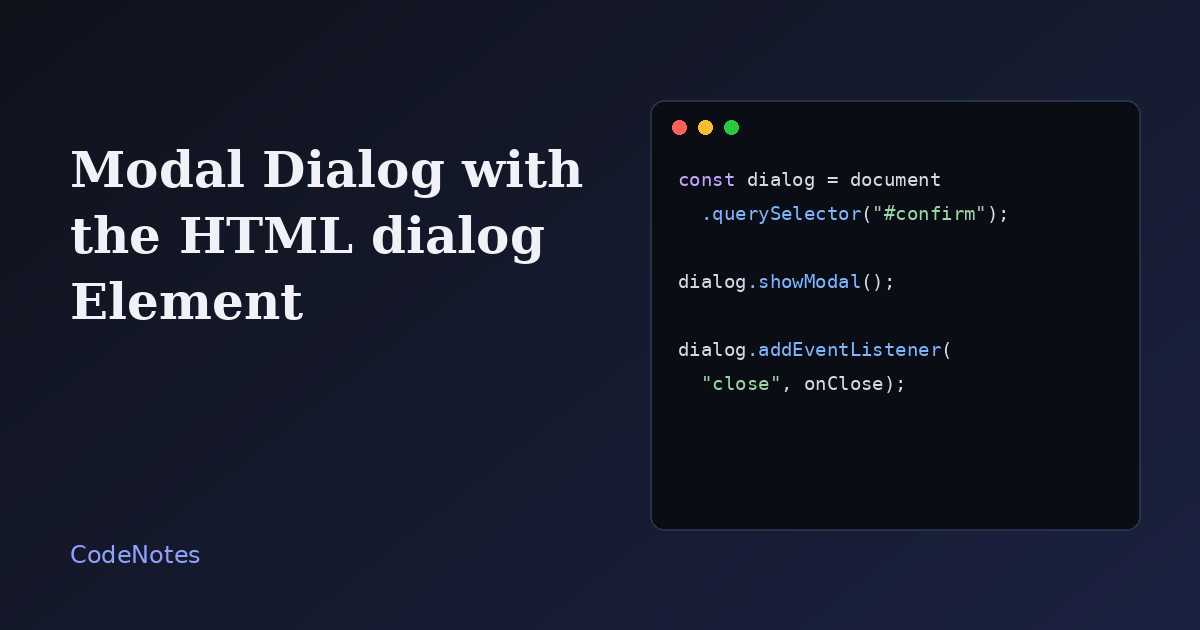
A good modal has to do four things: trap focus inside, close on Escape, hide the page from screen readers, and give focus back to the button that opened it. Doing all four by hand takes a few dozen lines and a handful of edge cases.
The dialog element does them for you when you open it the right way. What is left is a confirmation box in about fifteen lines of JavaScript.
What you will build
A "Delete workspace" button that opens a confirmation dialog. The dialog closes with Escape, with either button, or with a click on the dark backdrop, and the page reports which choice was made.
The frame is small, so open the demo in its own tab to try it at full size.
The markup
<!-- In the <head>: <link rel="stylesheet" href="/style.css"> -->
<main class="page">
  <h1>Workspace settings</h1>
  <p>Deleting a workspace removes every project inside it.</p>
  <button class="btn btn--danger" type="button" data-open-dialog>Delete workspace</button>
  <p class="result" id="result" role="status"></p>

  <dialog id="confirm-dialog" aria-labelledby="dialog-title">
    <form class="dialog__form" method="dialog">
      <h2 id="dialog-title">Delete this workspace?</h2>
      <p>This cannot be undone.</p>
      <div class="actions">
        <button class="btn" value="cancel" autofocus>Keep it</button>
        <button class="btn btn--danger" value="delete">Delete</button>
      </div>
    </form>
  </dialog>
</main>

<script src="/script.js" defer></script>
The important detail is method="dialog" on the form. A form with that method does not send anything to a server. It closes the dialog, and the value of the button that was pressed becomes the dialog's returnValue. That is how the page later knows whether you chose "Keep it" or "Delete".
autofocus on the safe button is a deliberate choice. When a dialog opens, focus lands there, so pressing Enter by reflex cancels the dialog instead of deleting anything.
The JavaScript
const dialog = document.querySelector("#confirm-dialog");
const result = document.querySelector("#result");

document.querySelector("[data-open-dialog]").addEventListener("click", () => {
  dialog.showModal();
});

dialog.addEventListener("close", () => {
  result.textContent =
    dialog.returnValue === "delete"
      ? "Workspace deleted (not really, this is a demo)."
      : "Nothing was deleted.";
});

// A click on the dark backdrop is reported with the dialog itself as the target.
dialog.addEventListener("click", (event) => {
  if (event.target === dialog) dialog.close("cancel");
});
The call that matters is showModal(). It opens the dialog above everything else, makes the rest of the page inert, traps keyboard focus, wires up the Escape key, and returns focus to the opener when the dialog closes. The close event fires however the dialog was dismissed, so one listener covers all cases.
The CSS
:root {
  --ink: #1f1d1a;
  --muted: #6c675f;
  --line: #dfddd6;
  --accent: #2f46c8;
  --danger: #b3261e;
  --paper: #f7f7f5;
}

* {
  box-sizing: border-box;
}

body {
  margin: 0;
  font-family: system-ui, -apple-system, "Segoe UI", sans-serif;
  color: var(--ink);
  background: var(--paper);
}

body:has(dialog[open]) {
  overflow: hidden;
}

.page {
  max-width: 560px;
  margin: 0 auto;
  padding: 2rem 1.25rem;
}

.page h1 {
  margin: 0 0 0.5rem;
  font-size: 1.4rem;
}

.btn {
  padding: 0.55rem 1rem;
  font: inherit;
  color: var(--ink);
  background: #fff;
  border: 1px solid var(--line);
  border-radius: 8px;
  cursor: pointer;
}

.btn--danger {
  color: #fff;
  background: var(--danger);
  border-color: var(--danger);
}

.btn:focus-visible {
  outline: 3px solid var(--accent);
  outline-offset: 2px;
}

.result {
  min-height: 1.5rem;
  color: var(--muted);
}

dialog {
  width: min(92vw, 420px);
  padding: 0;
  color: var(--ink);
  background: #fff;
  border: 0;
  border-radius: 14px;
  box-shadow: 0 24px 60px rgba(15, 18, 24, 0.35);
}

dialog::backdrop {
  background: rgba(15, 18, 24, 0.55);
}

.dialog__form {
  padding: 1.5rem;
}

.dialog__form h2 {
  margin: 0 0 0.5rem;
  font-size: 1.2rem;
}

.dialog__form p {
  margin: 0 0 1.25rem;
  color: var(--muted);
}

.actions {
  display: flex;
  justify-content: flex-end;
  gap: 0.6rem;
}
Two selectors are worth noticing. dialog::backdrop styles the dimmed layer behind the box. And body:has(dialog[open]) stops the page from scrolling underneath while the modal is open, with no JavaScript needed.
Common problems and how to fix them
Clicking the backdrop does not close the dialog
The browser gives you no built-in backdrop click. You listen for clicks on the dialog itself and check event.target === dialog. That only works when the dialog has no padding of its own, because clicking padding also targets the dialog and would close it by mistake. The demo puts the padding on the inner form for exactly this reason.
Pressing Enter on a button closes the dialog as cancelled
This happens with the popular "check the click coordinates" version of the backdrop trick. A keyboard-triggered click reports coordinates of zero, which look like they are outside the box. Comparing event.target avoids the problem entirely.
The dialog is not centered, or has no backdrop
Two causes. If you reset every margin with * { margin: 0 }, the dialog loses the margin: auto that centers it. And if you open it with dialog.show() or by adding the open attribute, you get a non-modal box with no backdrop and no focus trap. Use showModal() for anything that should block the page.
The form submits and reloads the page
A form inside a dialog without method="dialog" behaves like any other form and navigates away. Add the attribute, and check that you did not set an action.
The page scrolls behind the dialog
The has() rule handles current browsers. If you need to support one that lacks it, toggle a class on body in the click handler and in the close listener instead.
Where it stops
For a destructive confirmation or a short form, the native element is all you need. A multi-step wizard with animated transitions is a different job, and a library may be a fair choice there. For the common case, though, ten lines of HTML and fifteen of JavaScript beat any hand-built modal.