Build an FAQ Accordion with HTML Details and Summary (No JavaScript)
Create an accessible FAQ accordion with the details and summary elements and a little CSS. No JavaScript, a live demo, and fixes for common styling problems.
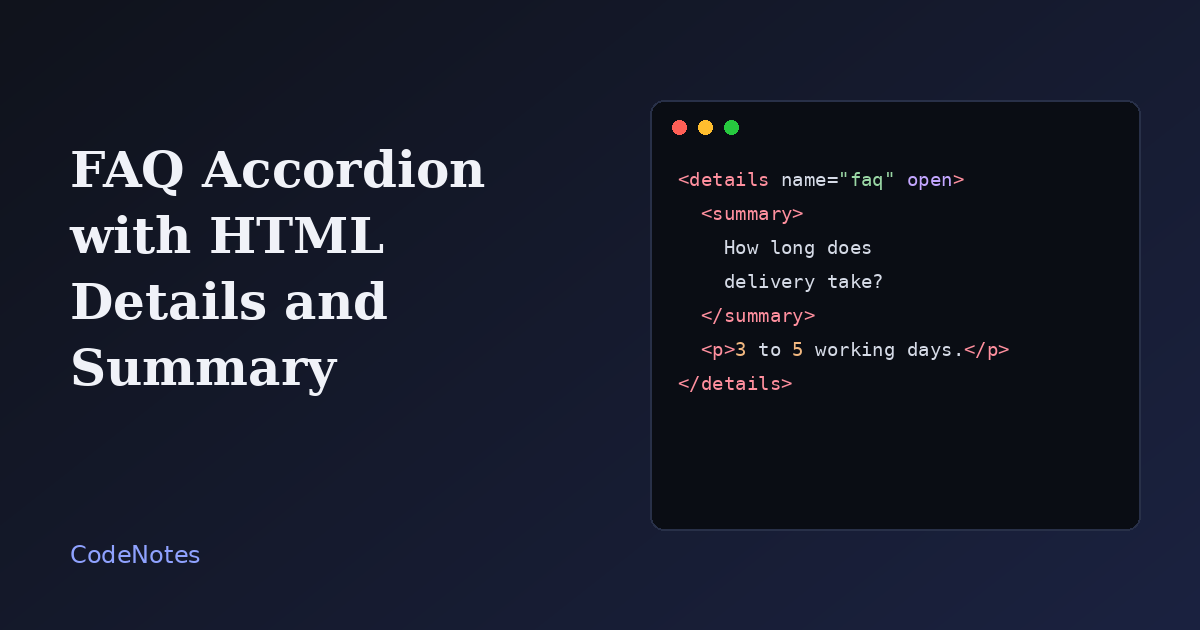
Most FAQ accordions on the web are a stack of divs, a click handler and a few ARIA attributes somebody copied once and never tested. The browser already ships a component that does the same job, and it works before any JavaScript has loaded: the details element.
You get keyboard support, an expanded or collapsed state that screen readers announce, and find-in-page that behaves sensibly. What is left for you is the styling.
What you will build
Three questions that open and close, with a plus sign that turns into a cross. Only one answer stays open at a time.
The frame is small, so open the demo in its own tab to try it at full size.
The markup
Each question is a details element. The summary inside it is the clickable line, and everything else in details is the hidden part.
<!-- In the <head>: <link rel="stylesheet" href="/style.css"> -->
<main class="faq">
  <h1>Shipping questions</h1>

  <details class="faq__item" name="faq" open>
    <summary>How long does delivery take?</summary>
    <p>Most orders arrive within 3 to 5 working days. Remote areas can take up to 8.</p>
  </details>

  <details class="faq__item" name="faq">
    <summary>Can I change my address after ordering?</summary>
    <p>Yes, until the parcel is handed to the courier. Reply to your confirmation email with the new address.</p>
  </details>

  <details class="faq__item" name="faq">
    <summary>What if my parcel arrives damaged?</summary>
    <p>Send a photo within 14 days and we will ship a replacement at no cost.</p>
  </details>
</main>
Press Tab to reach a question, then Enter or Space to toggle it. You wrote no event listeners, and it still works. The open attribute on the first item makes it start expanded, which is a good idea when one answer is clearly the most requested.
One open at a time with the name attribute
Give several details elements the same name and the browser treats them as a group: opening one closes the others. Current versions of the major browsers support this. In an older browser the attribute is ignored and visitors can open several at once, which is harmless, so there is no fallback to write.
The CSS
The default look is a small triangle and plain text. Here is the stylesheet that turns it into cards with a custom marker.
:root {
  --ink: #1f1d1a;
  --muted: #6c675f;
  --line: #dfddd6;
  --accent: #2f46c8;
  --paper: #f7f7f5;
}

* {
  box-sizing: border-box;
}

body {
  margin: 0;
  font-family: system-ui, -apple-system, "Segoe UI", sans-serif;
  color: var(--ink);
  background: var(--paper);
}

.faq {
  max-width: 640px;
  margin: 0 auto;
  padding: 2rem 1.25rem;
}

.faq h1 {
  margin: 0 0 1.25rem;
  font-size: 1.4rem;
}

.faq__item {
  margin-bottom: 0.75rem;
  background: #fff;
  border: 1px solid var(--line);
  border-radius: 10px;
}

.faq__item summary {
  display: flex;
  align-items: center;
  justify-content: space-between;
  gap: 1rem;
  padding: 1rem 1.15rem;
  font-weight: 600;
  cursor: pointer;
  list-style: none;
}

.faq__item summary::-webkit-details-marker {
  display: none;
}

.faq__item summary::after {
  content: "+";
  flex: none;
  font-size: 1.4rem;
  line-height: 1;
  color: var(--accent);
  transition: transform 0.2s ease;
}

.faq__item[open] summary::after {
  transform: rotate(45deg);
}

.faq__item summary:focus-visible {
  outline: 3px solid var(--accent);
  outline-offset: -3px;
  border-radius: 10px;
}

.faq__item p {
  margin: 0;
  padding: 0 1.15rem 1.15rem;
  color: var(--muted);
  line-height: 1.6;
}

@media (prefers-reduced-motion: reduce) {
  .faq__item summary::after {
    transition: none;
  }
}
Three parts do the real work. Setting list-style: none on the summary, together with the -webkit-details-marker rule, removes the default triangle in every browser. The ::after pseudo-element draws the plus sign, and rotating it 45 degrees when the item is [open] turns it into a cross without a second icon. And the :focus-visible outline is drawn just inside the row, so keyboard users can always see which question is selected.
The padding sits on the summary and the paragraph, not on the details. That way the whole row is clickable instead of only the text.
Common problems and how to fix them
The triangle still shows up in Safari
Safari draws its marker through a vendor pseudo-element, not through list-style. The rule summary::-webkit-details-marker { display: none; } removes it. Keep both rules in your stylesheet.
I want the answer to slide open
This is the one thing details does badly. The content is either displayed or not, so there is nothing to transition between. Newer Chromium-based browsers let you style the hidden part with ::details-content, but support is not universal yet, so check before relying on it. The demo animates only the marker, which keeps the interaction lively without any risk. If a sliding panel is a hard requirement, that is the moment to switch to a button with JavaScript.
Clicking a link inside the question does nothing useful
Never put a link or a button inside summary. A click on it both follows the link and toggles the item, and assistive technology gets confused about what the control is. Keep the question as plain text, and put links in the answer.
The answers feel invisible to visitors
Collapsed content is easy to overlook. Open the most common question by default, write questions as complete sentences, and avoid hiding anything essential, such as pricing or legal notices, behind a click.
When to reach for JavaScript instead
If you need to close all items with one button, load answers from a server, or keep the open state in the URL, you have outgrown details. For a plain list of questions, though, the native element is shorter, faster and more robust than anything you would write by hand.